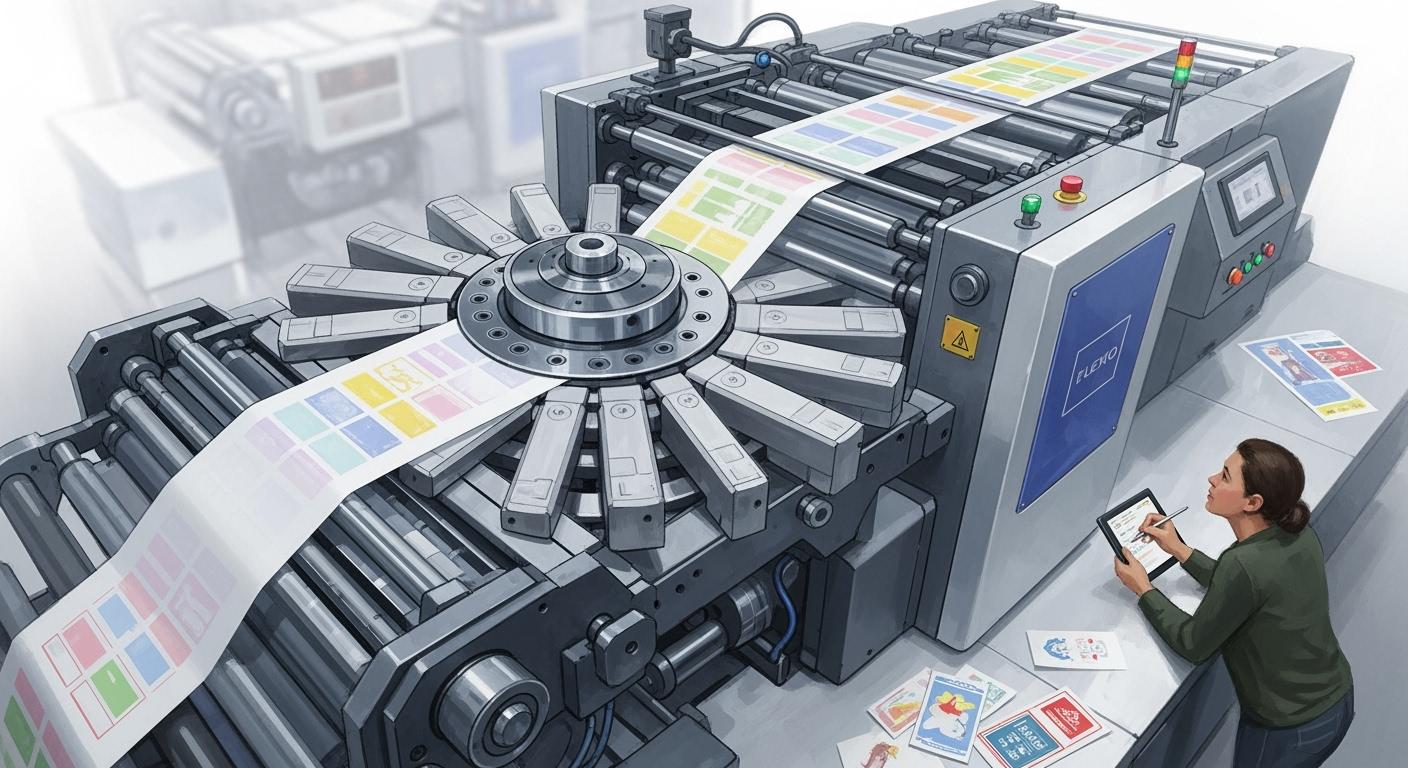
You use a ci flexo printing machine for good printing on soft materials. The central impression cylinder holds the material tight. This helps you get bright and even colors. This machine is important for making packages for things we use every day. You often see it used for:
Bags
Pouches
Food and non-food flexible packaging
Paper bags
Pet food packaging
CI flexo presses work with many kinds of materials. This makes them a top pick in the packaging world.
Key Takeaways
CI flexo printing machines work well on soft materials. They print on things like plastic and paper. This makes them important for packaging products we use every day.
The central impression cylinder keeps the material in place. It helps colors line up and makes images look clear. It holds the material steady while printing.
Flexographic printing lets you change jobs quickly. It prints fast and helps save time. This reduces waste and helps finish work on time.
Using FDA-approved non-toxic inks makes printing safe. It is good for the environment. It is a smart choice for food and medical packaging.
Regular maintenance and careful setup are very important. They help the CI flexo press make good prints. They also help the machine last longer.
CI Flexo Printing Machine Overview
What Is Flexographic Printing
Flexographic printing lets you print on many materials. People also call this method flexography. It uses flexible plates made from photopolymer compounds. These plates have raised images. The raised parts pick up ink and put it on the material. You can print on plastic, paper, foil, and some fabrics.
Flexographic printing is different from other printing methods. The table below shows how it is not the same:
| Aspect | Flexographic Printing | Offset Printing |
|---|---|---|
| Plates | Flexible photopolymer plates | Aluminum plates, ink transferred via rollers |
| Ink | Water-based, UV curable, or solvent-based | Usually four process colors, water-based or UV curable |
| Substrate Compatibility | Absorbent and non-absorbent materials | Flat, smooth surfaces like paper and cardboard |
Flexo printing uses flexible plates with raised images. This helps put a thick layer of ink on the material. The color stays the same for many prints. You can use water-based inks that are safe for food and medicine packaging. Flexographic printing is a direct method. The plate touches the material to print. This gives strong and even colors, even on big areas.
A ci flexo printing machine helps you print fast and well. It can print many colors at the same time. You can change jobs quickly. This saves time and cuts down on waste. Flexographic presses like the ci flexo press are popular in packaging. They work well with soft and bendy materials.
Tip: Flexographic printing is the only way to use FDA-approved non-toxic inks. This makes it a green choice for packaging.
Central Impression Cylinder
The central impression cylinder is the main part of a ci flexo printing machine. This big drum controls the temperature and holds the material tight. The material stays close to the cylinder as it moves through each color station. This gives you sharper prints and better color matching. The material does not move or stretch, so your images line up well, even with hard designs.
When you use a ci flexo press, the central impression cylinder keeps the web locked to the drum. The material goes through all the color stations without shifting. Each color prints in the right spot. This is important for good packaging and detailed pictures.
The central impression cylinder is great for printing many colors or tricky patterns. The ci flexo printing machine gives you steady results, fast speeds, and less waste. You can count on this system for high-quality printing on flexible materials.
Note: The central impression cylinder makes flexographic printing perfect for packaging that needs bright colors and perfect alignment.
How CI Flexo Printing Machine Works
Printing Plates and Color Registration
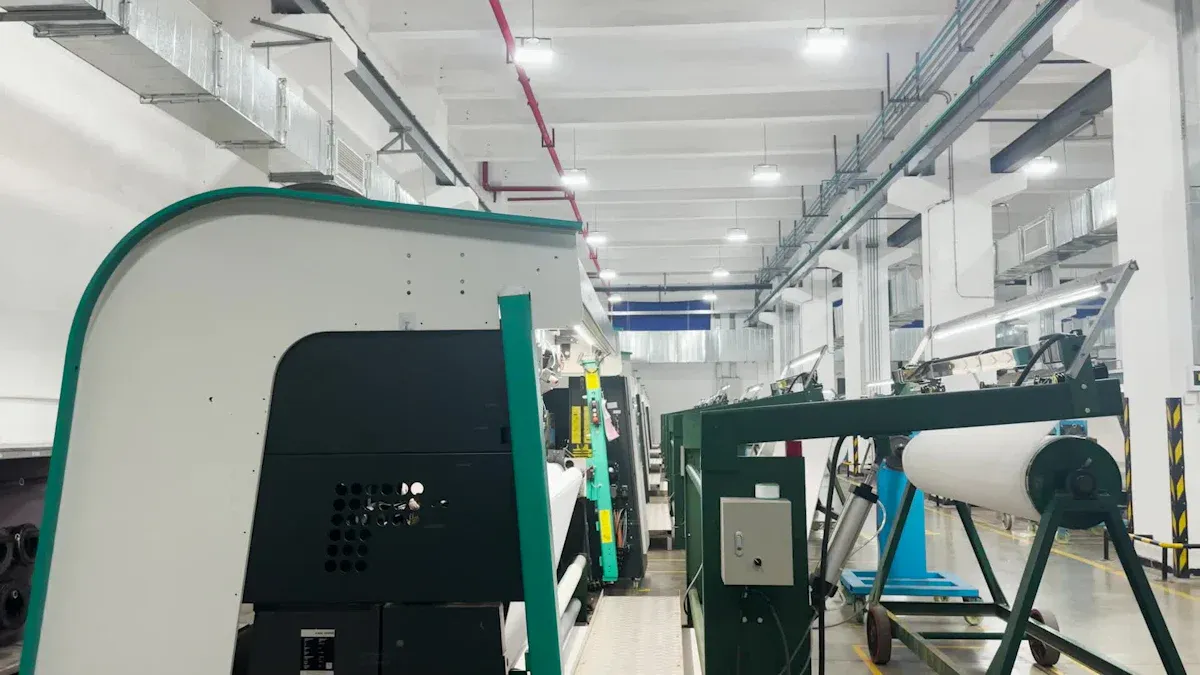
Flexographic printing starts with special plates. These plates are made from a flexible photopolymer. Each plate has a raised image for one color. You put the plates on the plate cylinders of the ci flexo printing machine. It is very important to line up the plates well. If the plates are not lined up, the colors will not match. The print can look blurry if this happens.
Color registration means making sure each color lines up. The ci flexo printing machine uses a central impression cylinder. This cylinder keeps the material steady. This helps you get sharp images and bright colors. You can check color registration by looking at the tolerance. The table below shows what is okay:
| Acceptability Level | Tolerance (µm) |
|---|---|
| Good | ≤ 50 |
| Sufficient | ≤ 100 |
| Insufficient | > 100 |
You want the tolerance to be as low as you can. A lower number means the colors match better. For example, if you use a linescreen of 120 lpi, the register tolerance should be less than 210 µm for the best prints. The ci flexo printing machine helps you reach these tight numbers. This gives you clear and colorful prints every time.
Tip: If you use a higher linescreen, you need even better registration. Always check your settings before you start printing.
Printing Process Steps
The ci flexo printing machine follows clear steps to print. You can see each step in the table below:
| Step | Description |
|---|---|
| Plate Mounting | You put the plates on the press cylinders. Good alignment stops colors from being off and keeps your print sharp. |
| Ink Application and Printing | The anilox roller brings ink to the plate. The plate puts the image onto the material. This step gives you strong and even colors. |
| Drying or Curing | After printing, the ink must dry or cure. You can use air, infrared, UV, or LED drying. Quick drying stops smudges and keeps your print looking good. |
You follow these steps for every job. The ci flexo printing machine lets you change jobs quickly. You can switch plates and inks fast. This helps you work with short runs and different materials without wasting time. Many presses now use automation and robots. These features make changing jobs safer and faster. You can print at high speeds, sometimes up to 1,968 feet per minute. This helps you finish jobs quickly and meet deadlines.
Quick-changeover presses help you work with many types of materials and inks.
Digital systems give you more control and better print quality.
New technology, like SteadyPrint, keeps your prints steady and reduces bounce.
Note: Fast changeovers and steady registration mean you can do more jobs and keep your customers happy.
The ci flexo printing machine gives you control over every part of the process. You get bright colors, sharp images, and fast results. Flexographic printing works well for packaging, labels, and many other products. You can trust this process to give you high-quality prints every time.
Components of CI Flexo Press
Impression Cylinder
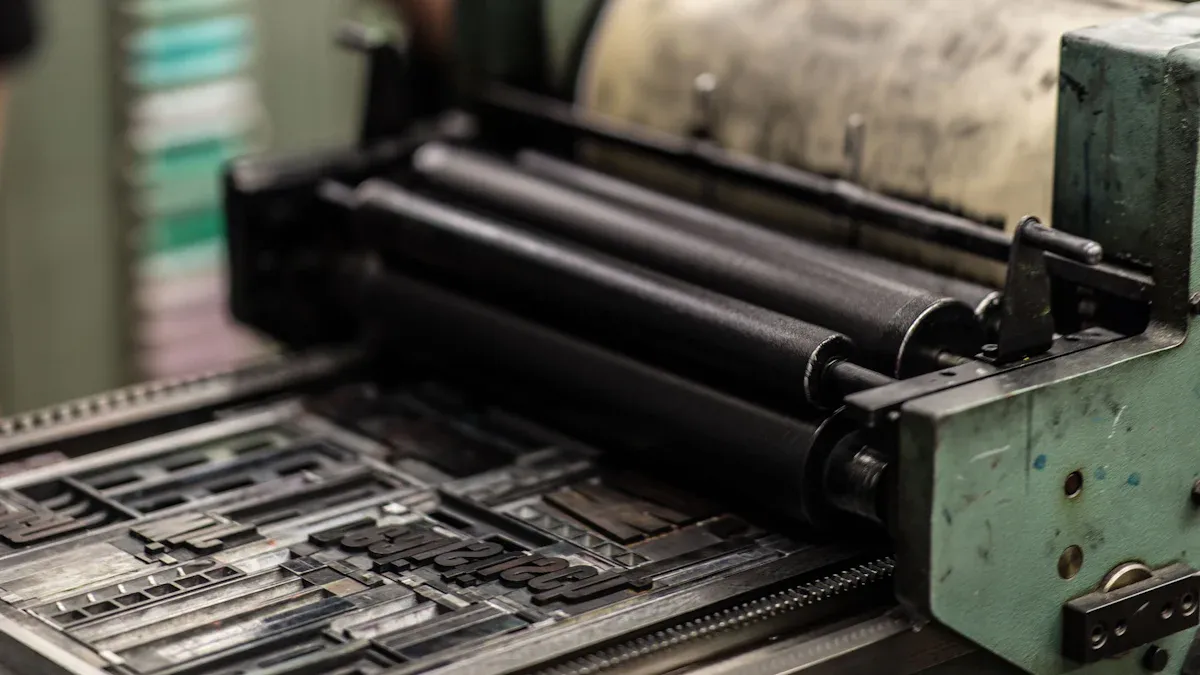
The impression cylinder sits in the middle of every ci flexo press. This big drum pushes down to help make clear prints on soft materials. It keeps the pressure the same, so the ink spreads out evenly. Even if the material changes, the pressure stays steady. When printing fast, the impression cylinder must stay balanced. If it shakes, you can get blurry or messed-up prints.
The impression cylinder gives steady pressure for even prints.
It keeps the pressure area the same for good ink coverage.
At fast speeds, it stops shaking that can mess up your print.
| Material Type | Description |
|---|---|
| High-Hardness Steel | Used for the central impression cylinder, giving a strong base that does not change shape while printing. |
Tip: A tough central impression cylinder helps you get sharp and bright prints every time.
Plate Cylinder
The plate cylinder holds the printing plate in place. The material moves between the plate cylinder and the impression cylinder. You change the pressure on the plate cylinder to get the best print. Skilled workers use a light touch called a "kiss." Too much pressure can stretch the image. Not enough pressure can leave blank spots.
The plate cylinder and impression cylinder work together for clear prints.
You need just enough touch for good printing.
Right pressure stops stretching and missing spots.
Anilox Roller
The anilox roller controls how much ink goes on the plate. In a ci flexo press, you often see line screens from 800 to 1,200 LPI. More lines help you print tiny details. The number and size of cells decide how much ink you use.
| Function | Description |
|---|---|
| Ink Transfer | Anilox rollers control the amount of ink sent to the printing plate through tiny cells. |
| Ink Metering | The cells manage ink flow and dot size, making sure details look right. |
Ink System
You can use different ink systems in a ci flexo printing machine. These include solvent inks, water-based inks, UV inks, and EB inks. Each type helps you get good results and works for many jobs.
Solvent inks
Water-based inks
UV inks
EB inks
These systems help you print faster and with better quality.
Drying Units
After printing, the ink needs to dry quickly. Drying units use air, infrared, UV, or LED systems. Fast drying stops smudges and lets you keep printing without waiting.
Substrate Handling
Substrate handling moves your material smoothly through the ci flexo press. Good handling keeps the material tight and flat. This helps you avoid wrinkles and keeps your print sharp. You can print on many types of materials, like plastic, paper, and foil, because of this system.
CI Flexo Press Advantages & Disadvantages
Print Quality
A ci flexo press can give you great print quality. Today's flexographic printing is as good as gravure presses that use solvent ink. You get bright colors and clear pictures on flexible packages. The ci flexo printing machine uses special register control. This means you waste less material when you start printing. You also get the same results every time. You can print with high resolution. The table below shows what you can get:
| Print Resolution (lpi) | Description | Technology Used |
|---|---|---|
| 254 lpi | High image resolution during a live job at drupa | Flint Group nyloflex 0.45 plates, Esko Full HD technology |
| 178 lpi | Print quality with color separation | Flint Group nyloflex 0.45 plates, Esko Equinox |
| 178 lpi | New standard in high-quality EG flexo | N/A |
You will see that ci flexo presses are simple to use and take care of. You also spend less money on setup and storage.
Speed & Efficiency
A ci flexo press lets you print fast and save time. You can run it at high speeds. This helps you finish big jobs quickly. The table below shows how fast each press can go:
| Press Type | Average Production Speed (m/min) |
|---|---|
| CI Flexo Press | 350 - 500 |
| Rotogravure Press | 120 - 200 |
You also save money because it uses less energy and makes less waste. Gearless machines do not need much fixing, so you save time. You can do more work and finish on time.
| Cost Factor | Impact on Production Costs |
|---|---|
| Energy Efficiency | Reduces utility costs due to lower energy consumption |
| Lower Material Waste | Minimizes errors and material loss, saving costs |
| Maintenance Costs | Gearless machines require less maintenance, reducing downtime |
| Increased Productivity | Faster print speeds enhance ROI and meet deadlines |
Substrate Flexibility
A ci flexo press can print on many materials. You can use it for uncoated paper, coated paper, carton board, liner board, aluminum foil, plastic film, non-woven fabric, and laminates. You can do many packaging jobs with just one press. This makes flexography a favorite for packaging companies.
Limitations
There are some things a ci flexo press cannot do as well. It can be harder to fix and change print runs than with inline presses. You may have to pay more for top-quality materials and inks. The press does not have many choices for coating and lamination. Some jobs need extra steps after printing.
Tip: Always check what your job needs before you start. This helps you choose the best printing method and saves you money.
Flexo Printing Applications
Packaging Industry
Flexographic printing is used a lot for packaging. When you go to the store, you see bright snack bags and bread wrappers. Frozen food pouches also use this printing. A ci flexo press can print on films, paper, and foil. This gives you prints that look great on shelves. Flexographic printing uses safe inks for food packages. You can print on many materials for different products. Many companies pick flexo printing because it is fast and saves money.
Tip: To print on flexible packaging films, a ci flexo press gives you both speed and good quality.
Labels & Tags
Flexographic printing is used for labels and tags on bottles, cans, and boxes. It gives you clear words and bright colors. You can print labels for water bottles and soda cans. Cleaning product labels are also made this way. The ci flexo press works for small or big jobs. You can change designs fast to follow new styles. Flexographic printing makes labels that stick well and look nice. You get good prints even on small tags.
| Label Type | Common Use | Substrate Example |
|---|---|---|
| Pressure-Sensitive | Food jars, bottles | Paper, film |
| Shrink Sleeves | Beverages, cosmetics | Plastic |
| Wraparound | Cans, bottles | Film, foil |
Other Uses
Flexo printing is used for many other things. You can print gift wrap, wallpaper, and shopping bags. Some companies use it for medical and hygiene packaging. It is also used for envelopes and security packaging. Flexo lets you print on many materials. You get good prints every time.
Note: Flexographic printing is a great choice when you need fast and high-quality prints on many materials.
Flexo Operation Guide
Machine Setup
Setting up a ci flexo press the right way helps you get the best print quality. You should follow these steps:
Clean and calibrate the press to remove old ink and dust.
Pick the correct anilox rollers for your print job.
Set the plate cylinders carefully to avoid misalignment.
Adjust the tension control so the material stays even.
Load the right inks for your application.
Do a quick quality check to see how the ink transfers.
Check registration accuracy and ink flow.
Keep ink viscosity and pH within the recommended range.
Balance print speed with drying to stop smudging.
Inspect important parts during startup and while printing.
Tip: Careful setup saves time and reduces waste.
Plate & Ink Preparation
You need to prepare plates and inks with care before operating a ci flexo press. Always use high-resolution design files and check color profiles to avoid problems like moiré patterns. Mount the plates with precision to keep images sharp. Choose the right anilox roller for even ink transfer. Control the pressure so you do not get dot gain or missing ink. Keep an eye on ink viscosity and pH for smooth printing. Treat low-energy materials to help ink stick better. Make sure the ink's surface tension is lower than the plate, and the substrate has higher surface energy. This helps the ink transfer well and stick to the material.
Running the Press
When you start printing, watch the press closely. Check registration and ink flow often. Adjust drying units for the right temperature and airflow. Use automated systems to control ink settings and reduce mistakes. Real-time monitoring helps you spot and fix problems fast. You can print at high speeds and still get great results.
Maintenance
Regular care keeps your ci flexo press running well. Clean the anilox roller and printing plate every day. Check the ink system and inspect the impression roller surface. Look at belts, gears, and bearings for wear or misalignment. Top up fluids as needed. Clean the control panel and sensors daily. Always align and calibrate plates, rollers, and ink fountains for accurate printing.
Proper cleaning after each job prevents dried ink from damaging your print sleeves and plates.
You know how CI flexo printing machines work now. These presses help you print bright colors. They also make sharp images on flexible materials. You can use them for packaging. You can use them for other products too. If you want to learn more, try new flexographic printing techniques. Keep working to get better at printing.
Remember: Practicing and learning will help you do better with every print job.
FAQ
What materials can you print on with a CI flexo press?
You can print on many materials. These include plastic film, paper, foil, and some fabrics. This makes CI flexo presses great for packaging and labels.
How do you keep colors lined up during printing?
The central impression cylinder holds your material tight. This keeps each color in the right place. You get sharp images and bright colors every time.
How fast can a CI flexo printing machine run?
Most CI flexo presses print at speeds from 350 to 500 meters per minute. You finish big jobs quickly and save time.
Do you need special inks for CI flexo printing?
You can use water-based, solvent, UV, or EB inks. Pick the ink that matches your material and job needs. Water-based inks work well for food packaging.